
 Nyuchi
Education
··5 min readHow the Toddle Enhancement Extension keeps student data in the browser
How the Toddle Enhancement Extension is built to keep student data in the teacher's browser: read-only queries, nothing written back, a licence checked on your own machine, and an independent security review.
A school that lets a browser extension near its management system is right to ask what that extension can see, and where it sends it. For the Toddle Enhancement Extension the short answer is: it sees what the teacher can already see in Toddle, and nothing from Toddle leaves the browser.
This post explains how we built it that way, how the licence works without sending anything personal, and what an independent security review found.
A closed loop
We describe the extension as a closed loop. In practice, that means four things.
It only runs on Toddle. The extension works on web.toddleapp.com and nowhere else. It asks Chrome for two permissions: storage for its own settings, and access to Toddle's site. It asks for nothing else.
It reads Toddle with a fixed list of questions. When the extension needs data, such as a student's classes or today's timetable, it asks Toddle using the session the teacher is already signed in with. Every request must match, word for word, one of a short list of read-only queries written into the extension. Anything else, including any attempt to change data, is refused before it is sent.
It never writes to Toddle. Nothing is saved back. Attendance, grades and profiles stay exactly as Toddle holds them.
The data stays in the browser. What the extension reads is used to draw the page in front of the teacher, and left there. A CSV export is created in the browser and saved by the browser. There is no Nyuchi server holding student data, because there is no server for it to go to.
The only two things that leave
There are exactly two connections outside Toddle, and nothing from Toddle goes to either.
- Feedback. The toolbar menu has a short feedback form. It sends only when someone presses Send, and only what they typed plus the extension's version number. It does not include the tab, anything from Toddle, or a licence key.
- The cancelled-keys check. Once a day, and only when a licence key is stored, the extension downloads a list of cancelled licence keys. The request carries nothing: no key, no email address, no identifier and no cookies. The list holds only scrambled fingerprints (hashes) of cancelled keys, and it is signed, so the extension can check it really came from us. Your browser compares its own key against the list locally.
To be precise about that second point: like any web request, it reveals the browser's IP address to the server that answers it. It reveals nothing else. If the list cannot be fetched, perhaps because a school network blocks it, the extension keeps the last good result.
A licence that is checked on your machine
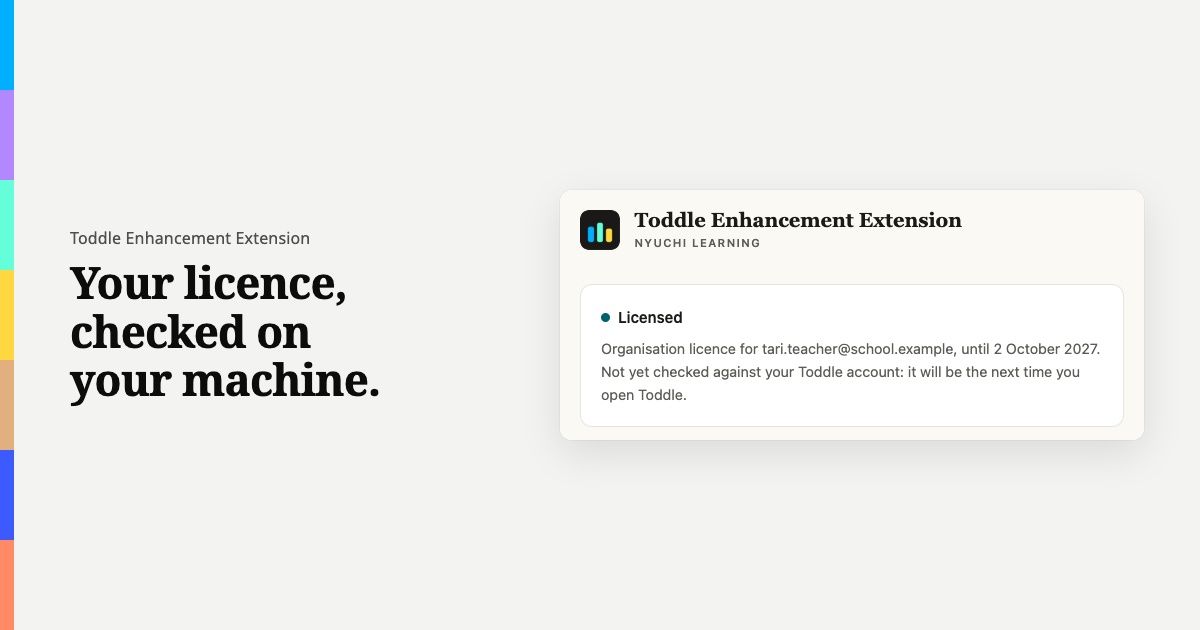
A licence key is checked on the teacher's own machine, and the key never leaves it. Each licence belongs to whoever it was bought for. An individual licence belongs to the person who bought it. An organisation licence belongs to the school's email domain, so it works for staff signed in to Toddle with a school address.
The extension checks this against the account already signed in to Toddle, reading it from Toddle's own page. That takes no new request and sends nothing. If the account does not match, the licensed features stay off and the licence page explains why.
An independent security review
On 1 October 2026 the whole extension went through an independent security review, carried out the way an attacker would approach it. The review considered four kinds of attacker: a malicious script running inside Toddle's page, such as a compromised widget; a malicious website open in another tab; another browser extension; and a crafted response from Toddle containing hidden code. Each suspected weakness was tested with a working proof of concept against the real extension.
The review found eleven issues: two high, one medium, six low and two informational. The two high findings were:
- Rich text in the gradebook could run as code. Text from Toddle, such as a rubric label, was handled in a way that could let hidden code run. It is now read as plain text in an inert document.
- A CSV export could carry a spreadsheet formula. A cell starting with
=could run as a formula when opened. Such cells are now saved as plain text.
The medium finding was that Toddle's sign-in could, in a contrived case, be sent to a different address. Every request is now checked against Toddle's own address immediately before it goes.
The low and informational findings closed ways a script in the page could interfere: widening the list of allowed queries, adding hidden recipients to an email link, listening in on the extension's answers, switching on licensed features or showing hidden flags, and framing the licence page from another site.
All eleven are fixed, and each fix has its own automated test, so the problem cannot quietly return.
Keeping it up to date
Chrome updates the extension on its own, so most teachers need do nothing. Schools that install the extension through their device management should make sure staff are on the current version from the Chrome Web Store rather than holding an older one back.
Questions, data protection and reporting a problem
If your school needs a data processing agreement, we can provide one on request at privacy@nyuchi.com. Our privacy policy sets out the detail, and our security policy is at learning.nyuchi.com/legal/security.
If you find a security problem, please email support@nyuchi.com with the subject "Security". We acknowledge reports within three working days, and we will credit you if you wish. Please do not include real student data in a report.
New to the extension? Start with our introduction, or see learning.nyuchi.com/toddle-enhancement-extension.
The Toddle Enhancement Extension is made by Nyuchi Learning. Toddle is a trademark of its owner. Nyuchi Learning is not affiliated with, or endorsed by, Toddle.